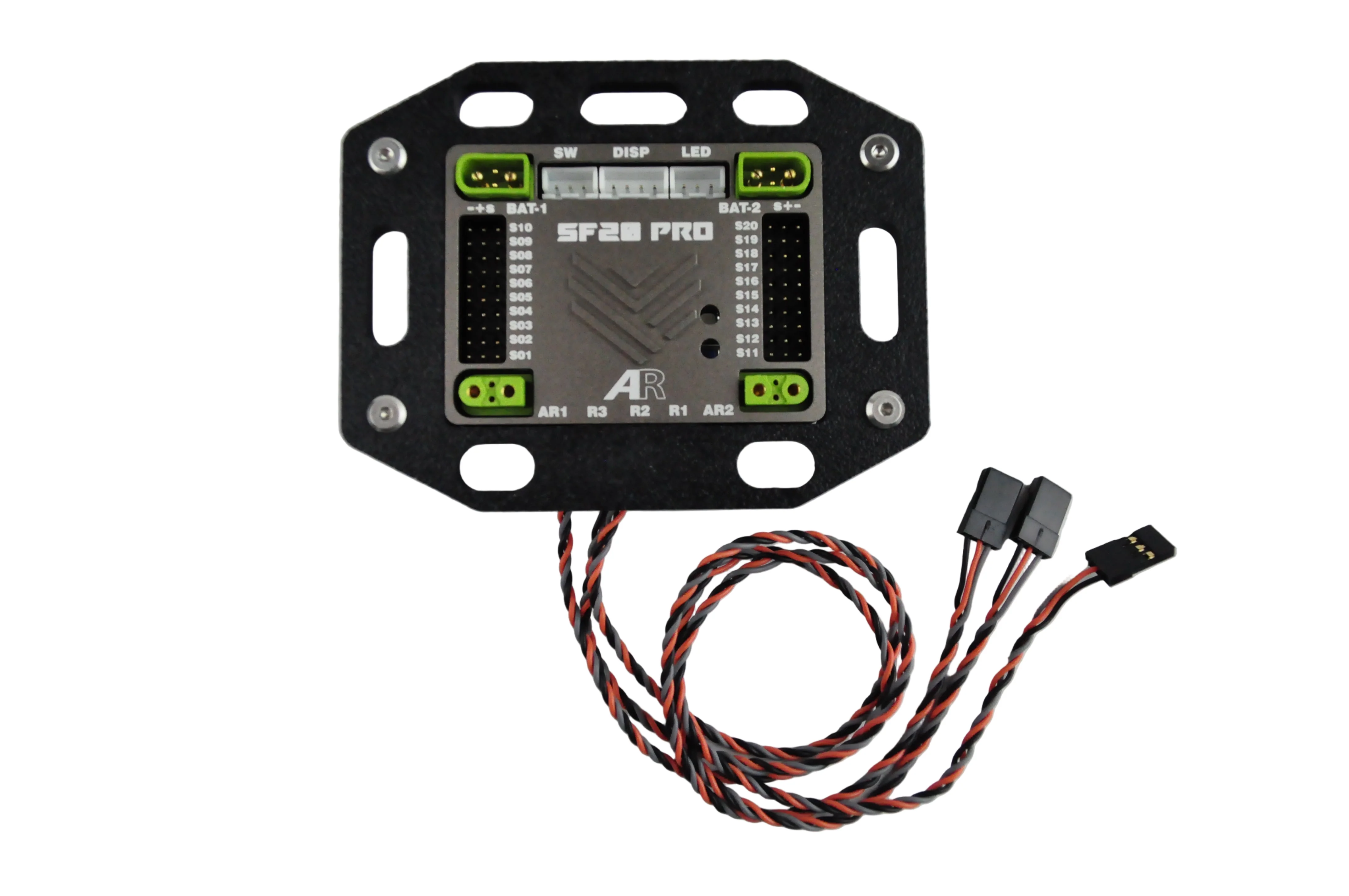
AR SYSTEM Flush Mount for SF20
AR SYSTEM Flush Mount for SF20
Description
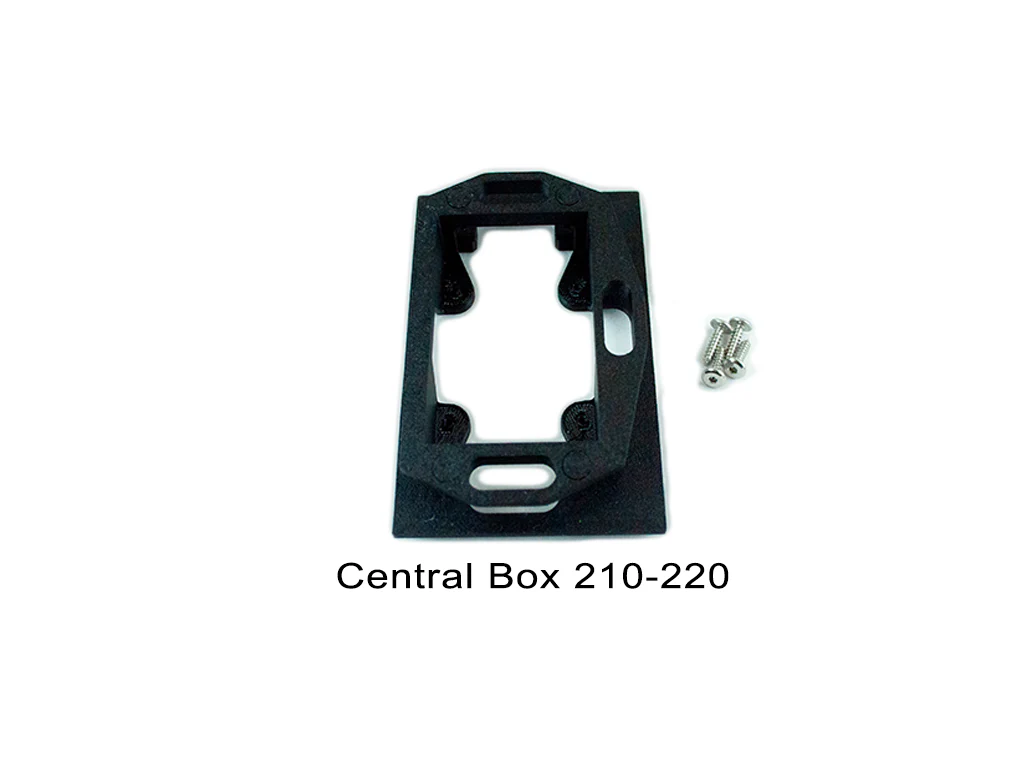
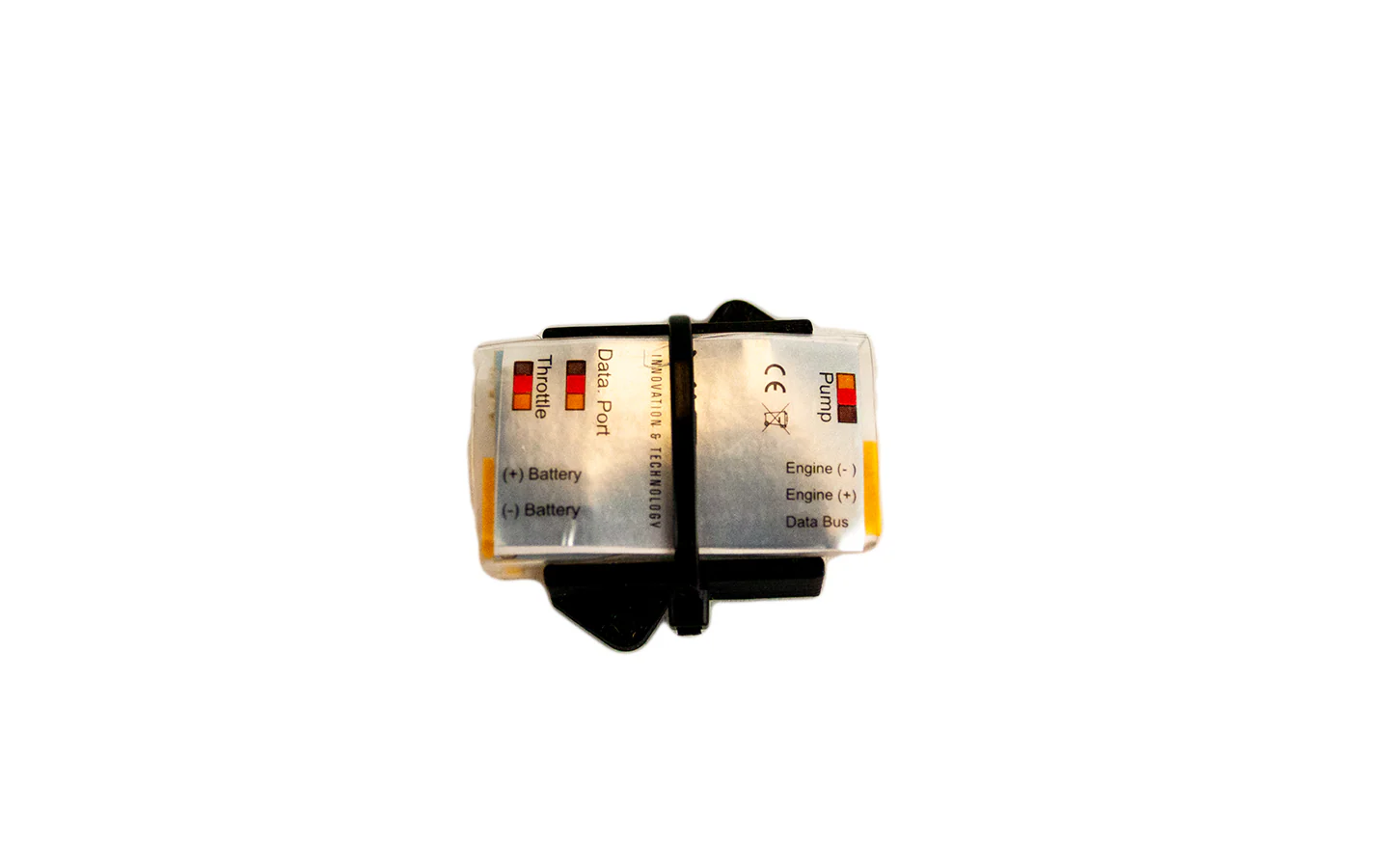
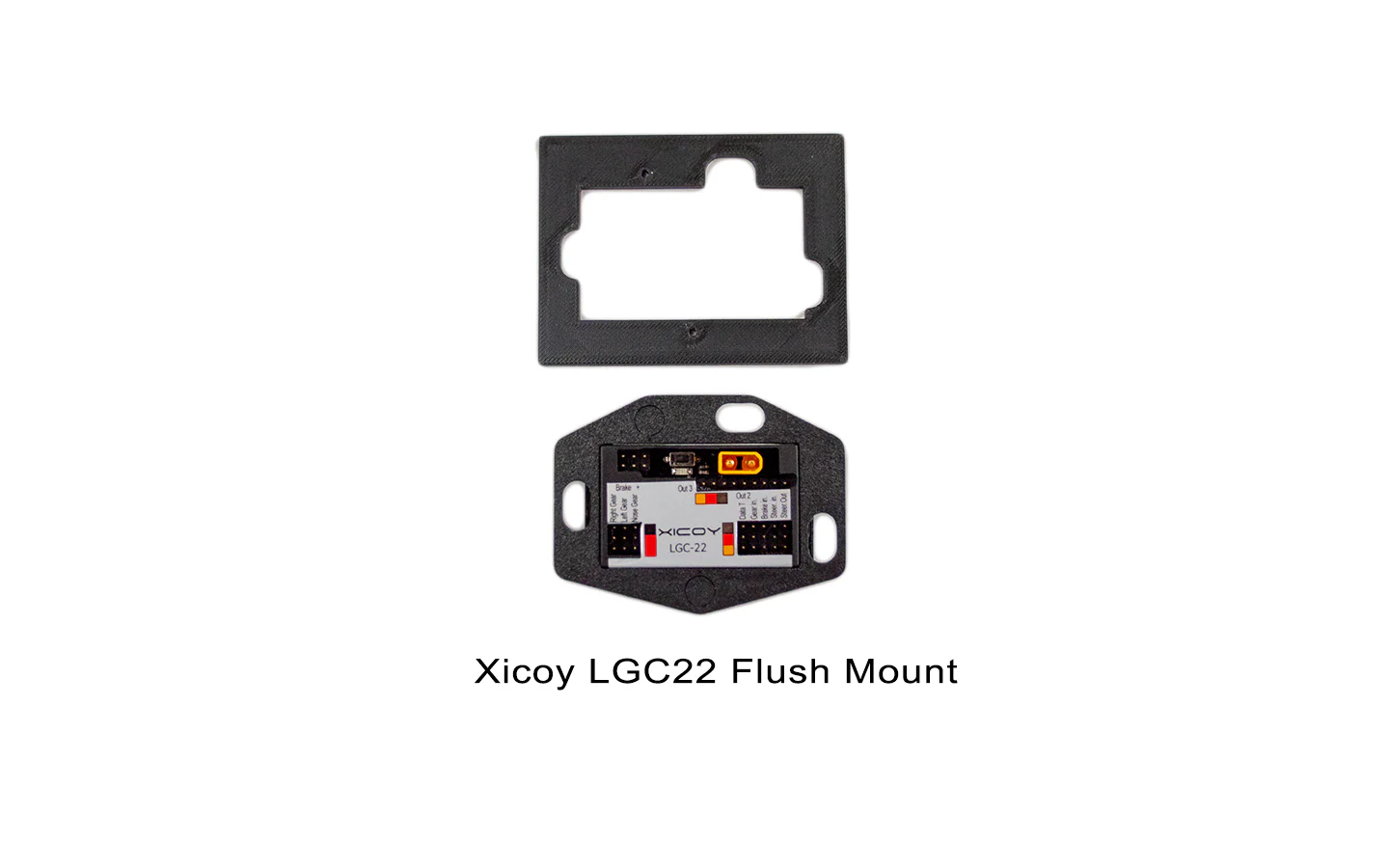
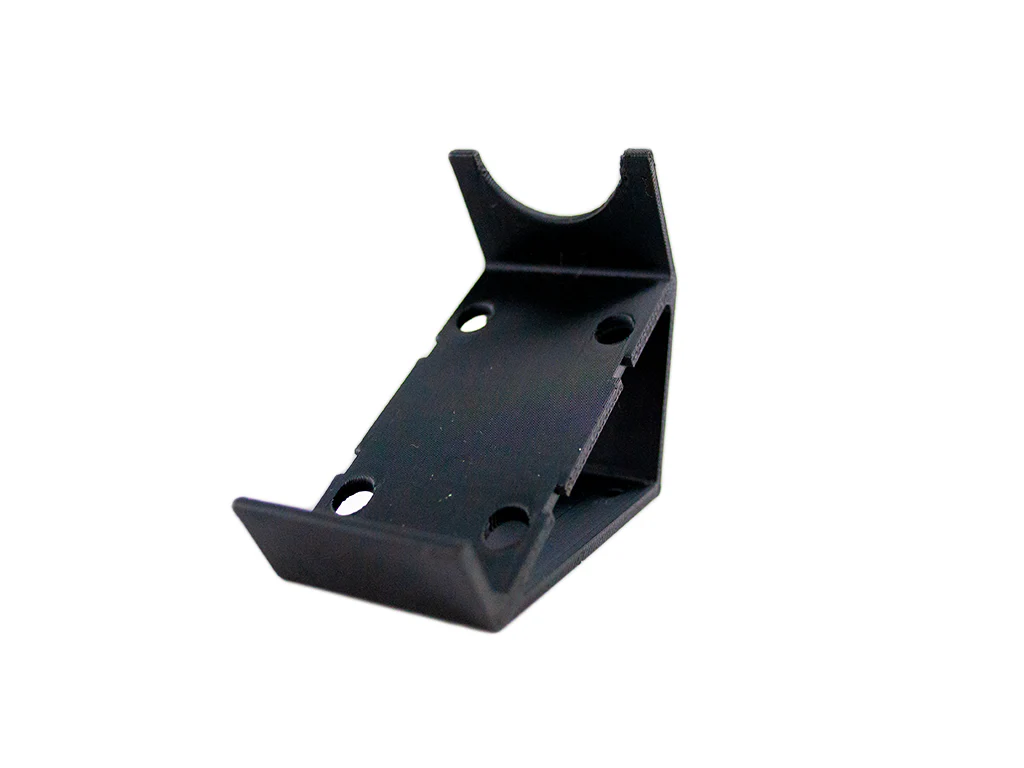
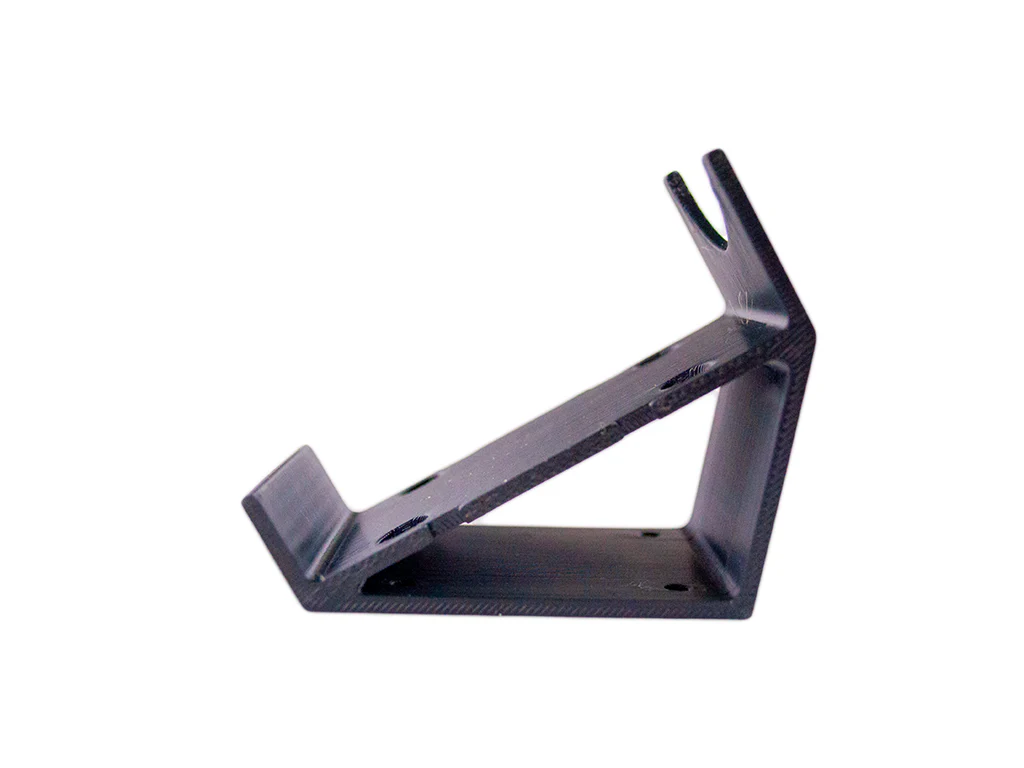
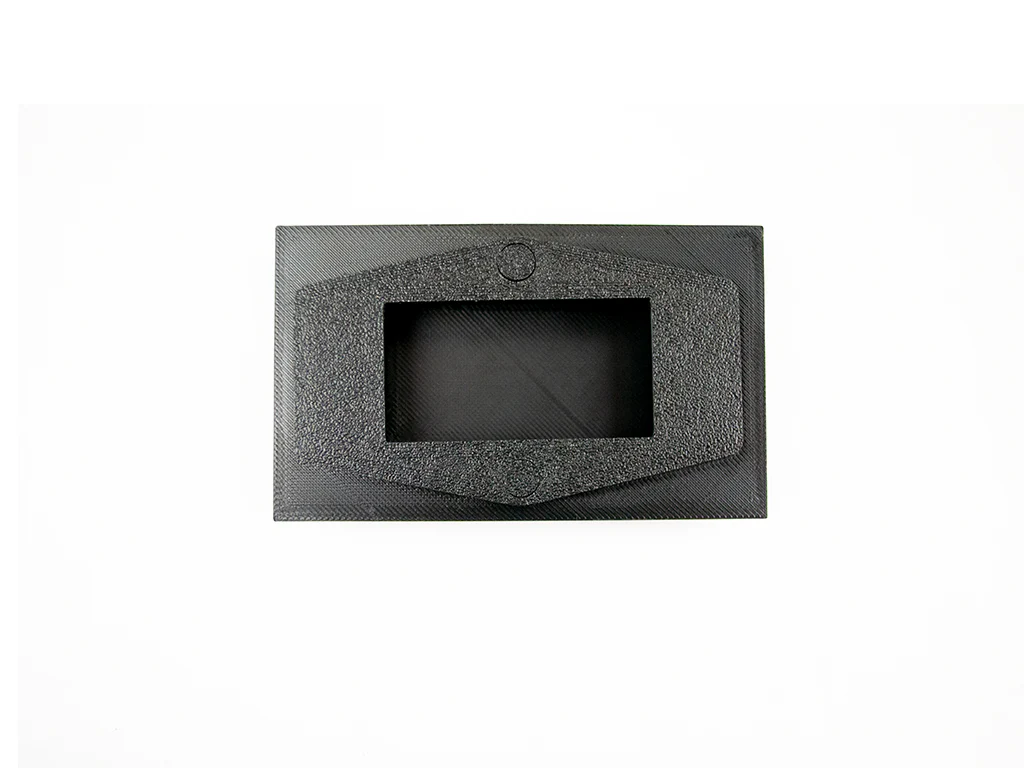
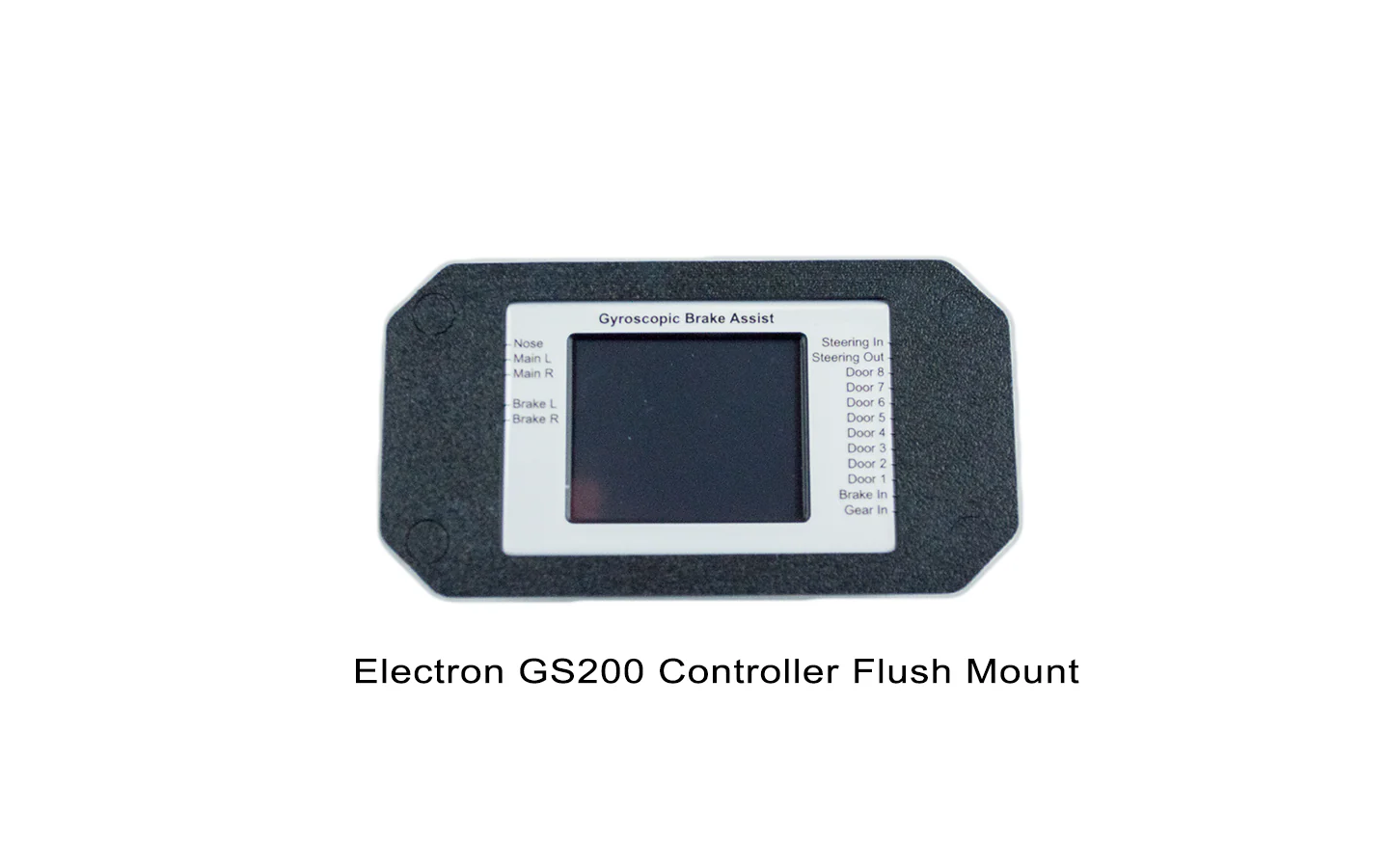
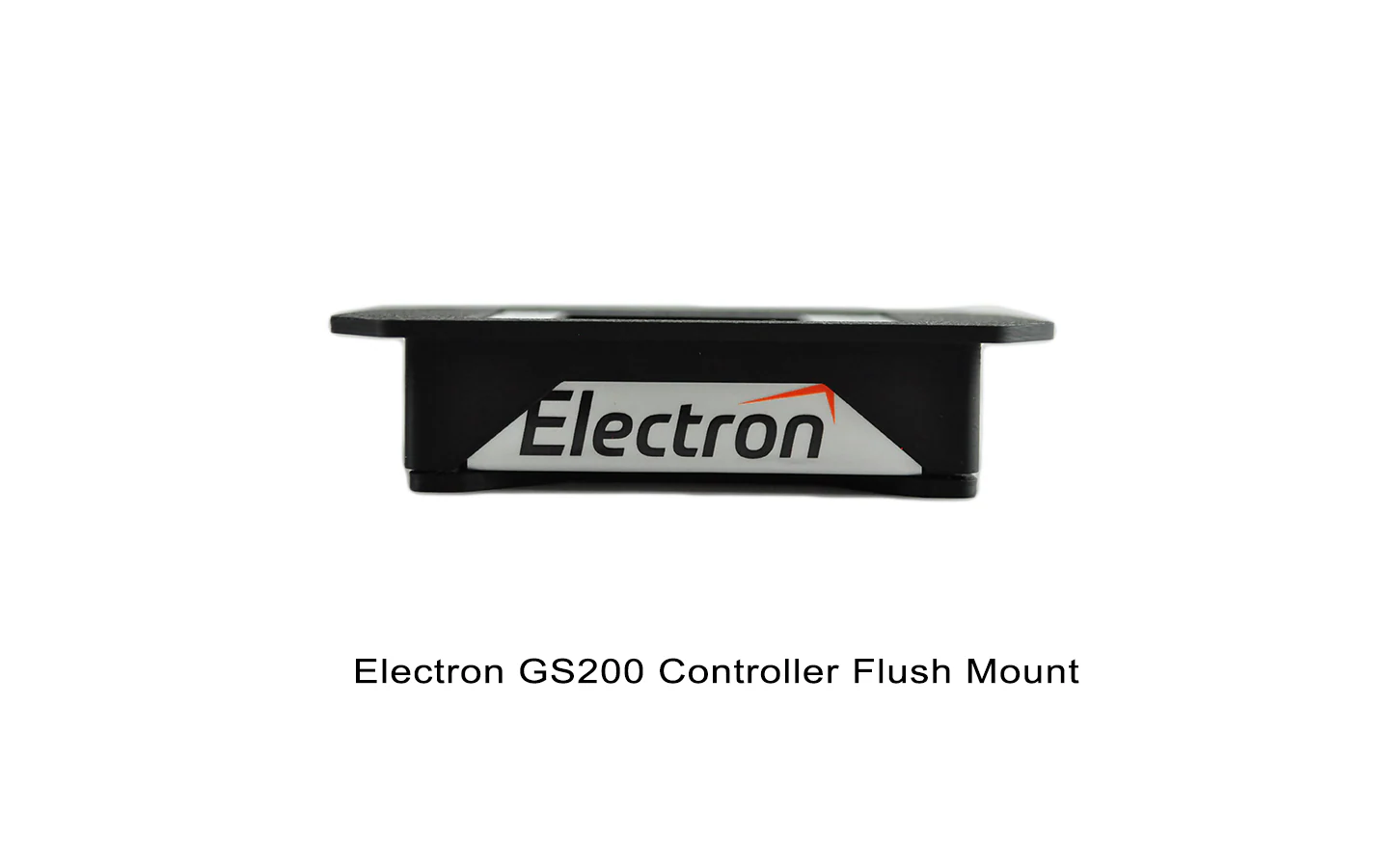
The Flush Mount for AR System SF20 is designed to provide a clean and secure the equipment to the onboard tray. Please note that this is a close-tolerance fit and is best used with PowerBox, Emcotec, or similar servo wire.
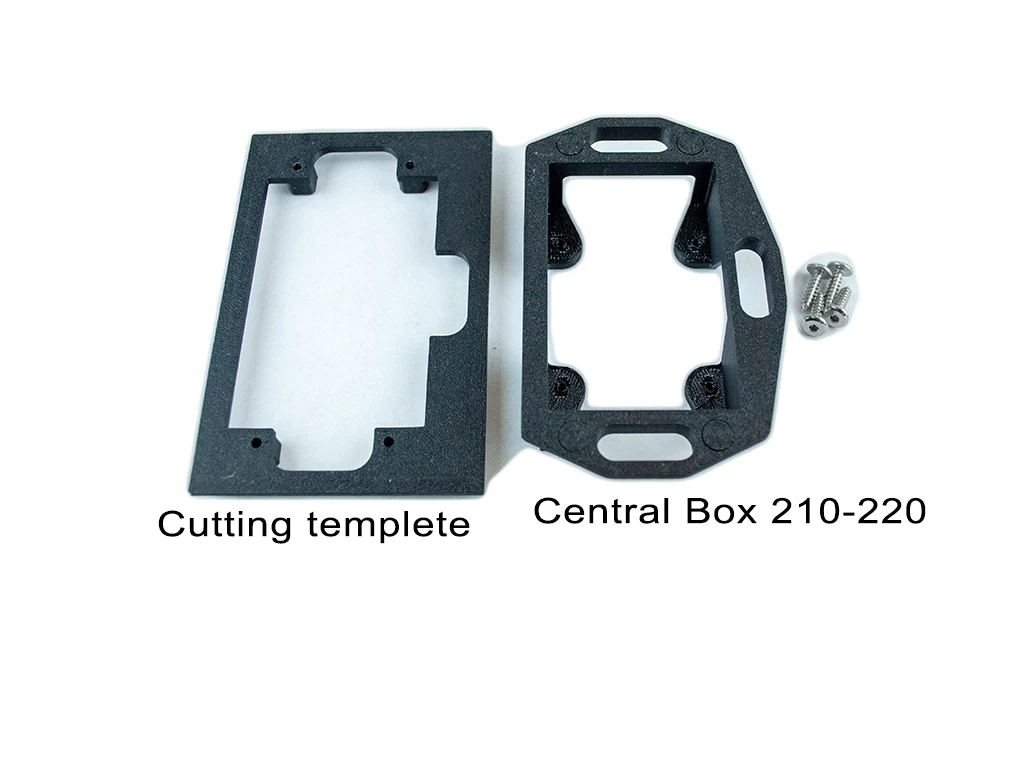
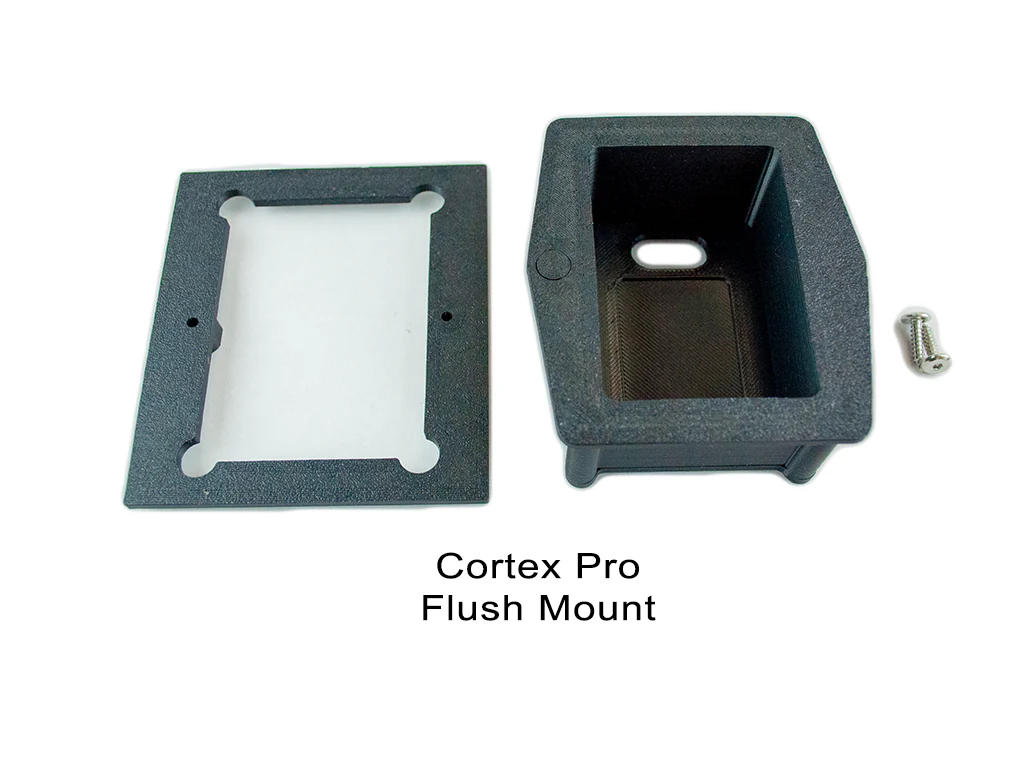
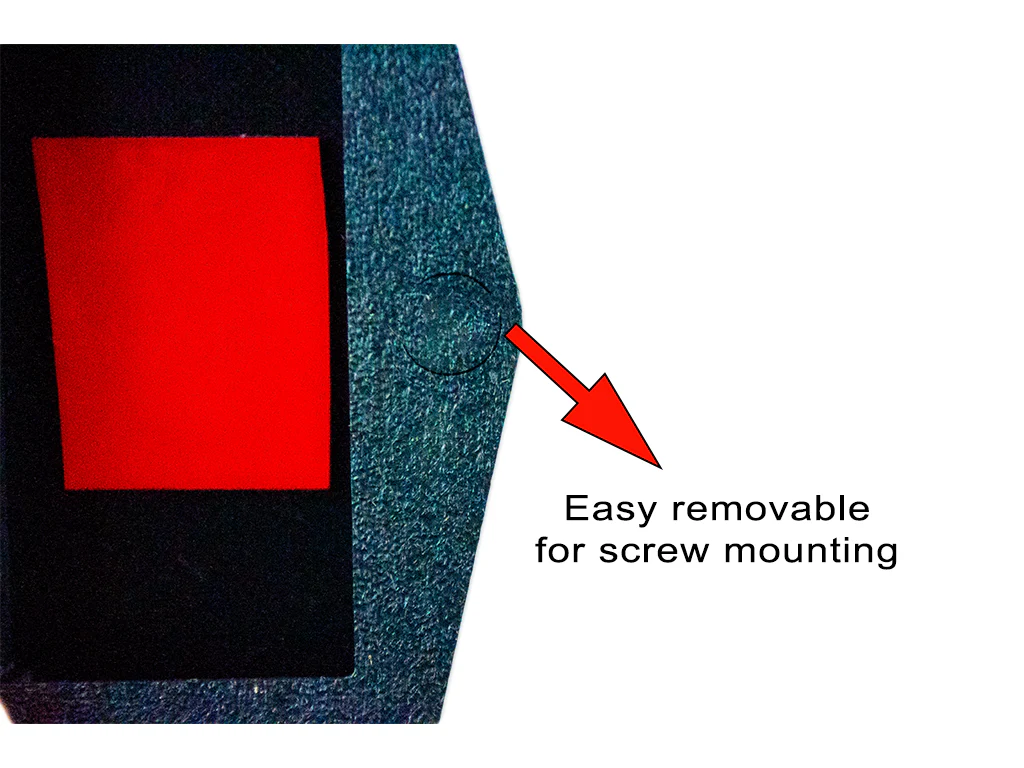
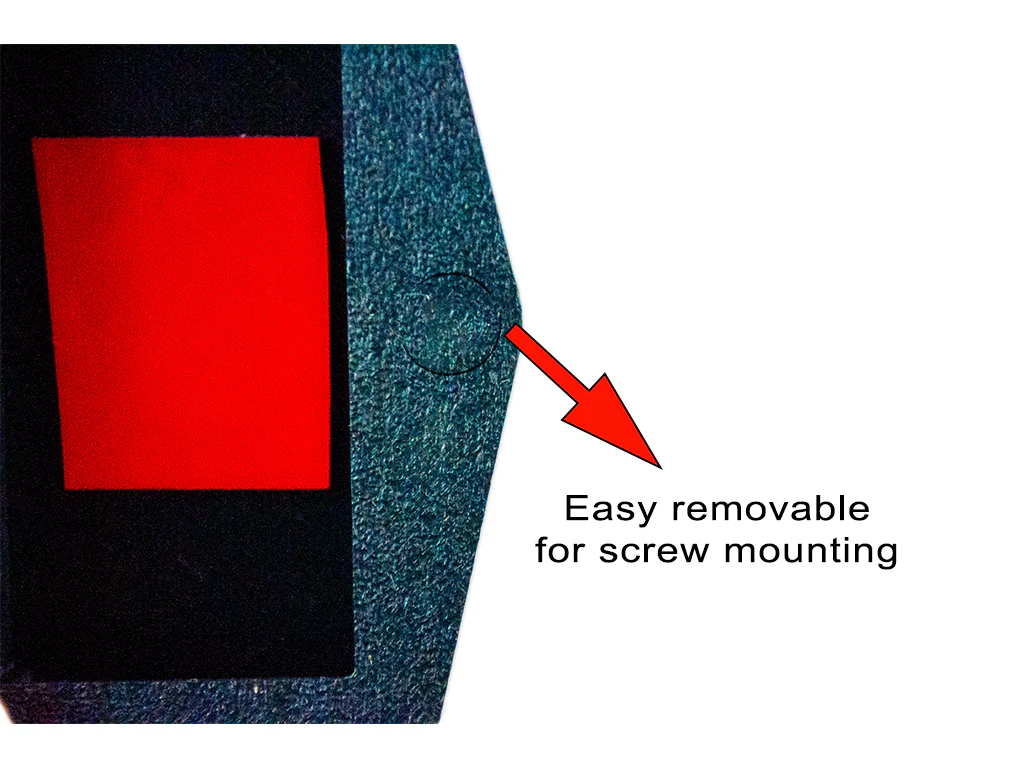
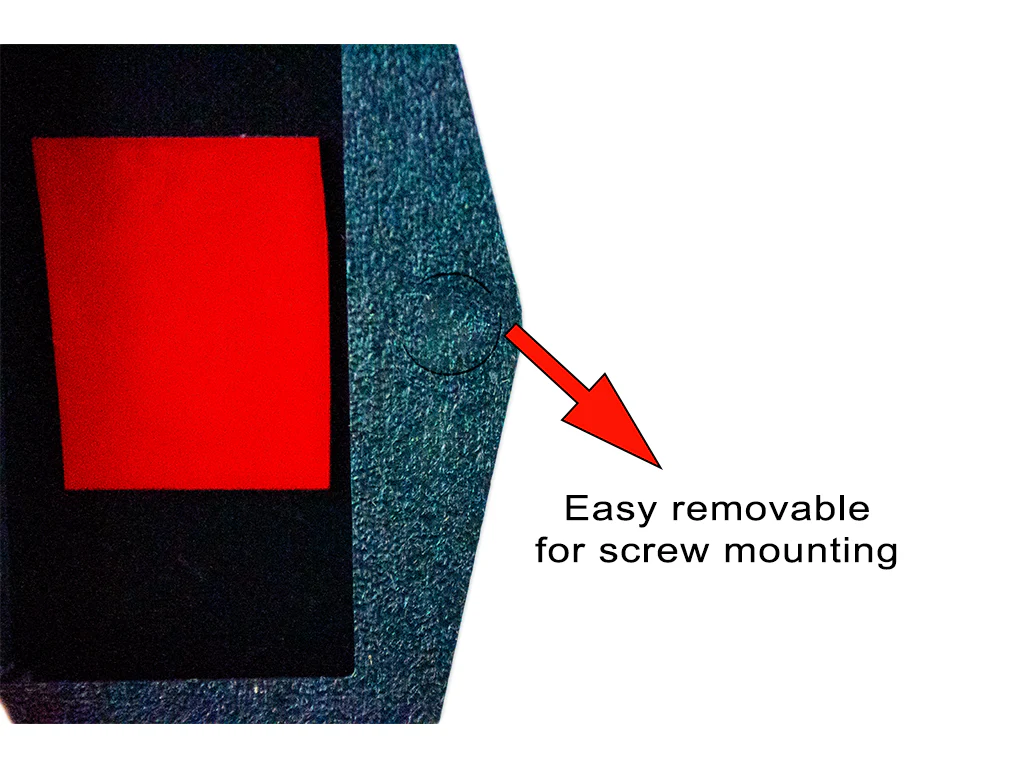
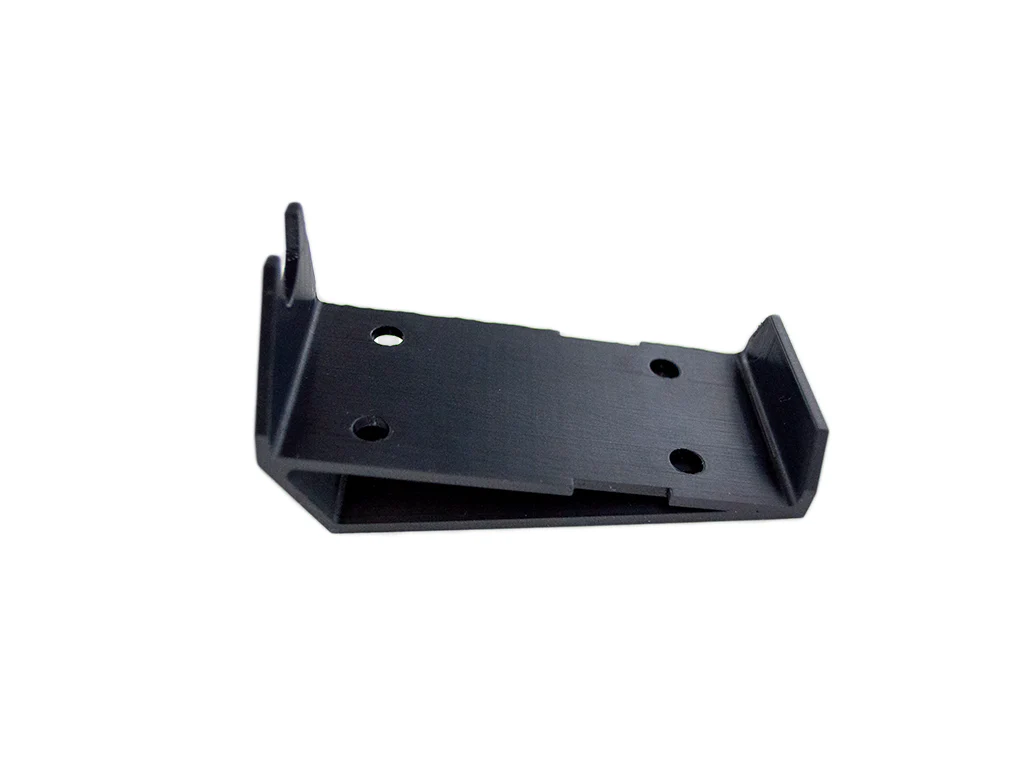
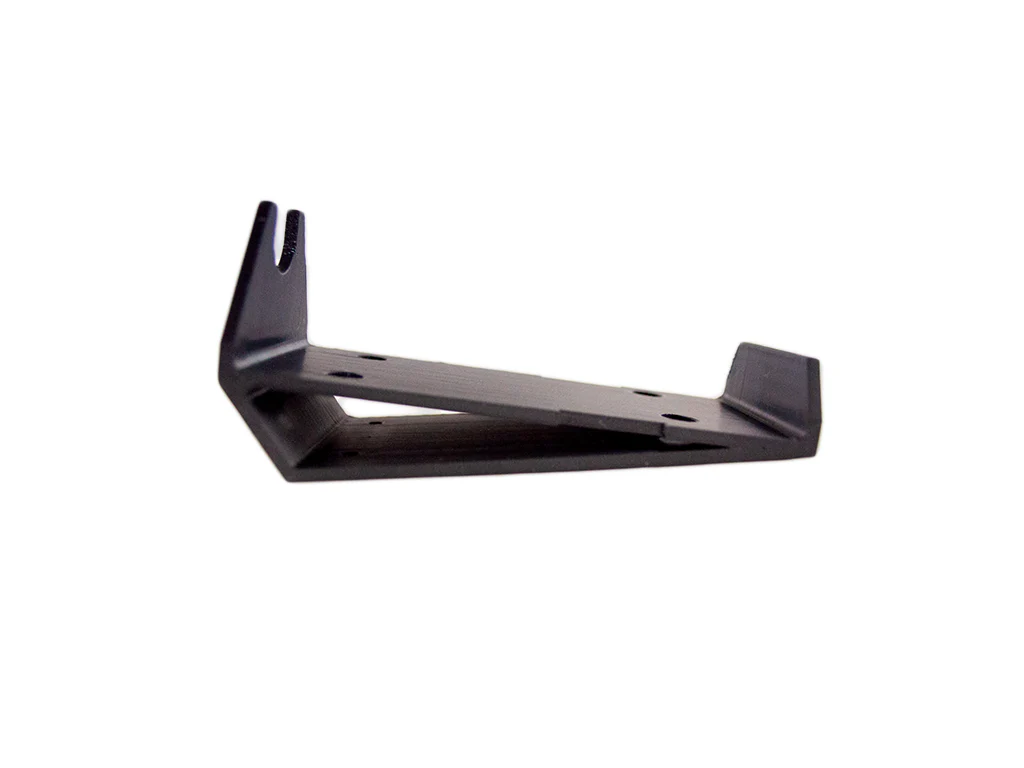
Hold the Flush Mount upside down and drop the SF20 in; use the provided screws to attach the mounting plate to the Flush Mount. DO NOT OVERTIGHTEN THE SCREWS. The mount can be secured to the equipment tray with adhesive or the provided screws. Use the included template to mark the cutout in your equipment tray. This is a close-tolerance fit. Use caution when cutting the opening. You can also use the template for reinforcement under the tray if the tray is not strong enough.
Flush Mount for the SR20 SCREEN is sold separately and is available HERE
Printed with high-quality ASA material
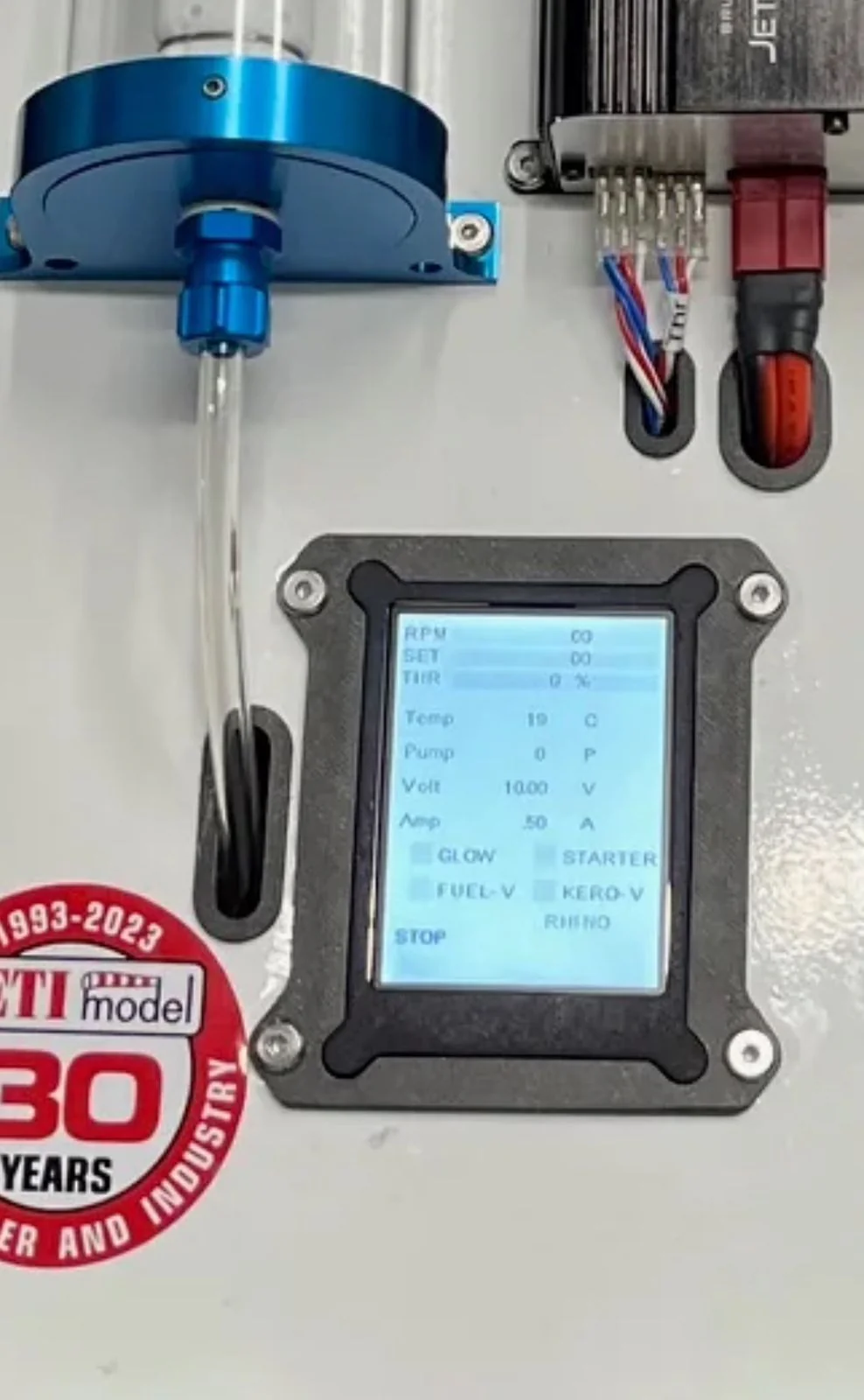
Installation examples of the Flush Mount


AR SYSTEM Flush Mount for SF20
Description
The Flush Mount for AR System SF20 is designed to provide a clean and secure the equipment to the onboard tray. Please note that this is a close-tolerance fit and is best used with PowerBox, Emcotec, or similar servo wire.
Hold the Flush Mount upside down and drop the SF20 in; use the provided screws to attach the mounting plate to the Flush Mount. DO NOT OVERTIGHTEN THE SCREWS. The mount can be secured to the equipment tray with adhesive or the provided screws. Use the included template to mark the cutout in your equipment tray. This is a close-tolerance fit. Use caution when cutting the opening. You can also use the template for reinforcement under the tray if the tray is not strong enough.
Flush Mount for the SR20 SCREEN is sold separately and is available HERE
Printed with high-quality ASA material
Installation examples of the Flush Mount
Original: $13.00
-70%$13.00
$3.90Description
AR SYSTEM Flush Mount for SF20
Description
The Flush Mount for AR System SF20 is designed to provide a clean and secure the equipment to the onboard tray. Please note that this is a close-tolerance fit and is best used with PowerBox, Emcotec, or similar servo wire.
Hold the Flush Mount upside down and drop the SF20 in; use the provided screws to attach the mounting plate to the Flush Mount. DO NOT OVERTIGHTEN THE SCREWS. The mount can be secured to the equipment tray with adhesive or the provided screws. Use the included template to mark the cutout in your equipment tray. This is a close-tolerance fit. Use caution when cutting the opening. You can also use the template for reinforcement under the tray if the tray is not strong enough.
Flush Mount for the SR20 SCREEN is sold separately and is available HERE
Printed with high-quality ASA material
Installation examples of the Flush Mount